HOME & ADMIN · App 122
Expiry & Shelf-Life Management
See your items with their pictures, track printed dates and label-specified after-opening periods, and review what needs attention.
Sign in with your existing password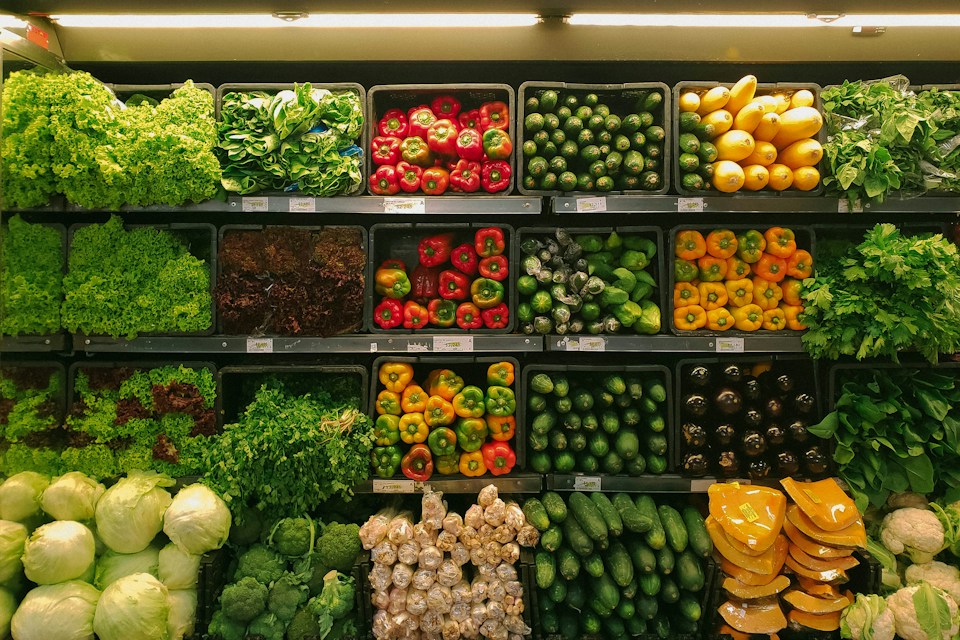
See the item in your list
Save your own picture, quantity, batch and storage location together.
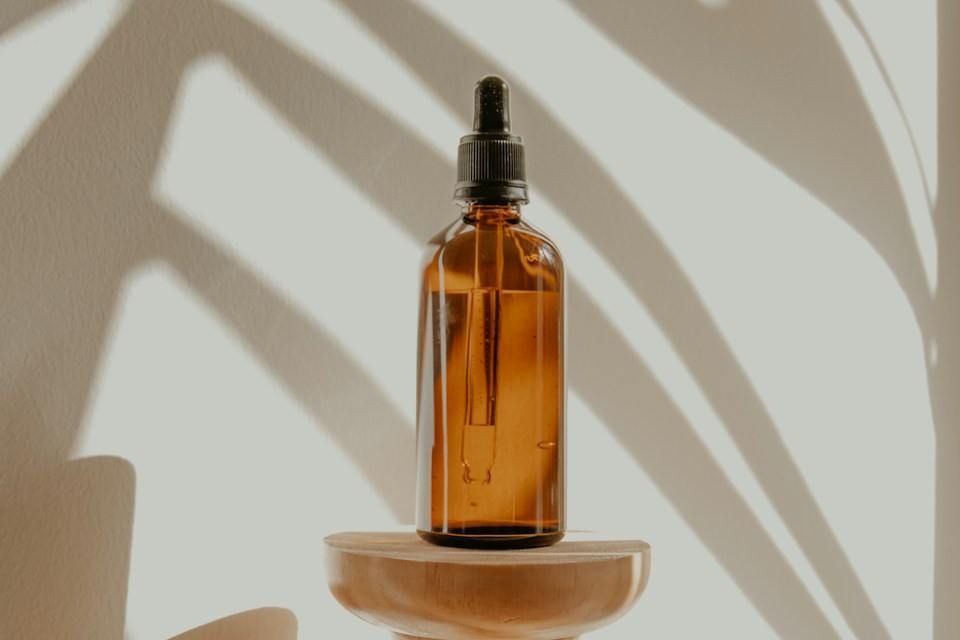
Remember when you opened it
Calculate dates only from the manufacturer's stated after-opening period.
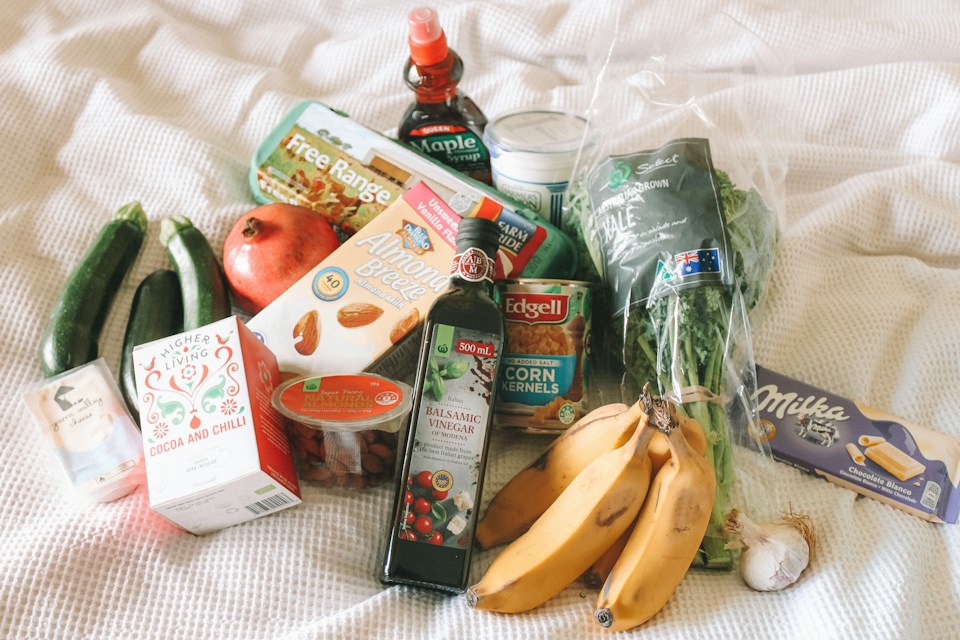
Review what needs attention
Keep use-by, best-before, expiry and missing dates distinct.

Capture, then confirm
Use manual entry, local label OCR, supported barcode capture or CSV import.
Illustrative stock photographs under the Unsplash License, served locally. Demo photos represent categories, not actual fictional products or their labels.
Dates and pictures in one private organiser
- Account-private item pictures, batches, storage locations and date types
- Manual entry, local label-photo OCR, supported barcode capture and reviewed CSV import
- After-opening calculations, dates-to-review views, populated demo and printable summaries
Ten varied fictional items demonstrate stored, used and disposed records, passed and approaching dates, after-opening instructions and missing opening dates. Sign in and choose Add editable fictional items with pictures to save your own sample copy. Repeat use preserves edits and dates.
Take or upload an item picture for the list; a separate label photograph can suggest names and unambiguous full labelled dates using local server OCR. All suggestions require review. Ordinary barcodes identify a code, not an expiry date. Supported GS1 fields can include expiry/best-before and batch data. Camera barcode capture depends on the browser's BarcodeDetector support; otherwise paste scanner text or use label OCR. CSV imports are previewed and explicitly confirmed.
Tracking, not safety certification. Use-by, best-before and expiry have different meanings. Periods must come from manufacturer instructions, never guessed. The earlier printed/after-opening date is a tracking prompt, not permission to use a product. No product lookups, safety assessments, automatic messages or background reminders. Pictures/records are private to your account in the application database, not an encrypted vault. Do not store personal medical details or confidential labels.