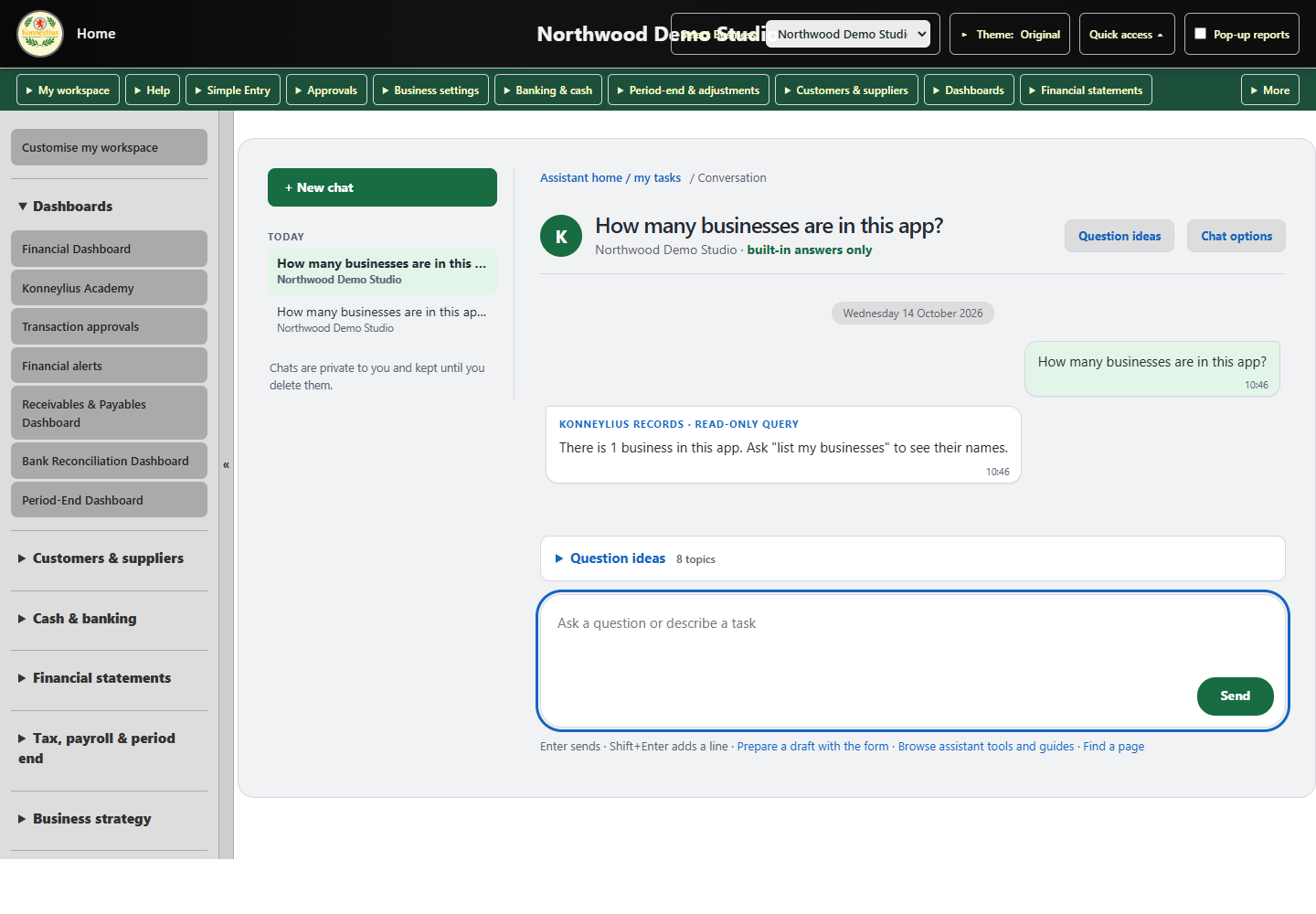
Use ordinary language to explore your businesses and records. The assistant helps interpret the question, while Konneylius retrieves accounting figures through its existing reporting logic.
Try “How many businesses are in this app?”, “What was revenue in our earliest year?” or “Compare operating profit with the previous period.” Available answers depend on your permissions and the information in the selected business.
02
Keep the figures grounded in records
The language model helps understand the request. Ledger figures and report calculations come from Konneylius, rather than being invented by the model. Supported answers can include links to the underlying reports.
03
Prepare work for review
The assistant can help propose supported journal and invoice drafts. Check accounts, amounts, dates and other details before confirming. Existing validation, permissions and approval workflows still apply.
04
Find your way around the app
Use question ideas, page navigation and guided tasks to find a starting point. Model-backed answers require an available AI connection; built-in navigation and other supported tools remain useful independently.
KEEP EXPLORING
See how it connects.
The current online demonstration is available to invited users.